
MyTBM Docs2.1.1 - App Store
You'll be able to see results in few seconds.
Publisher Description
Helpful documentation and videos are available in this application, developed for owners and operators of Daher’s TBM aircraft
Access the App with mytbm.aero credentials
Within the MyTBMDocs App, you have access to dedicated documentation, operational data, and a growing library of educational videos covering TBM ground and flight operations.
All owners with log-in access to mytbm.aero benefit from by having the same log-in access to MyTBMDocs.
Access 24/7 whether you’re online or offline.
Receive timely update
Oct 7, 2020
Version 2.1.1
Enhancements in this new version include :
- Visual identity updated and more user-friendly interface,
- Improved navigation thanks to :
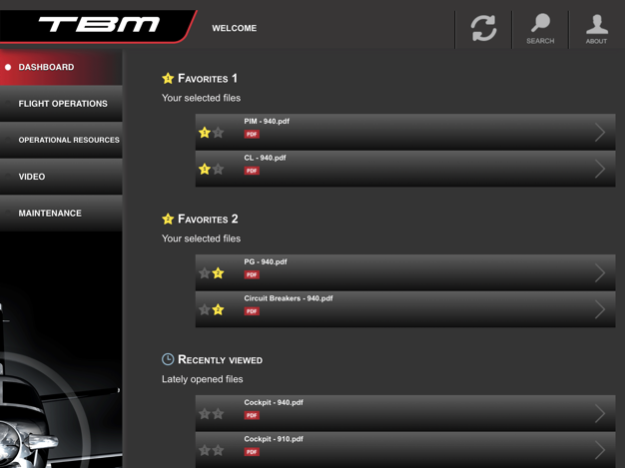
- a new Dashboard allowing direct access to your own customized library with new favorites lists and recently viewed files;
- reorganized contents with new sub-categories for a more intuitive navigation within the App.
- Enhanced search functionality increasing efficiency in finding information :
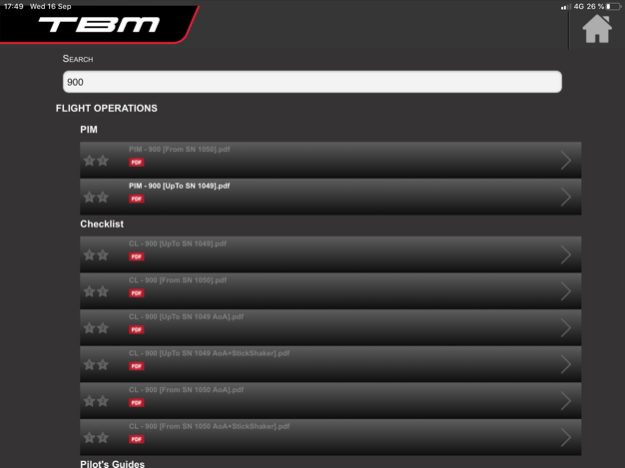
- Search capability now within the complete collection, from a category to another, and with your own words, not only by document’s titles;
- Result display organized by category
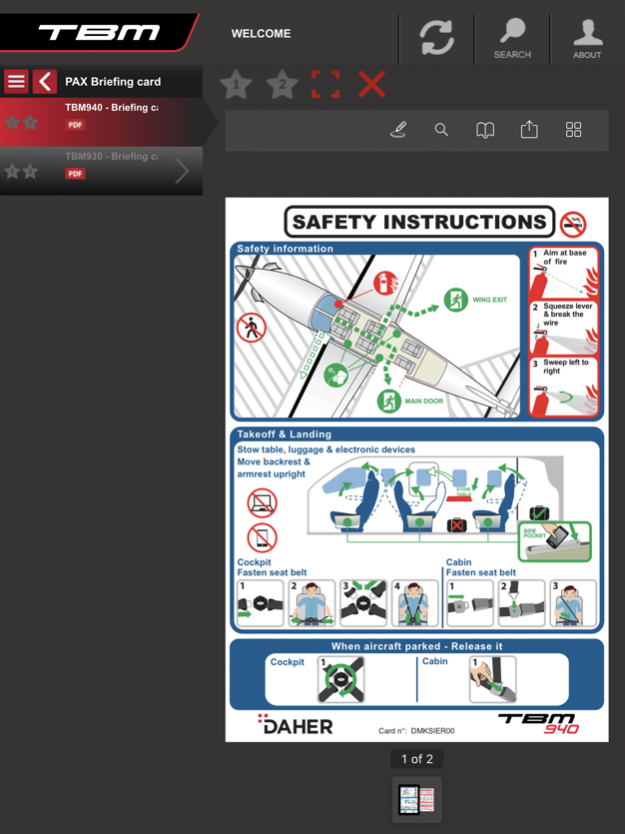
- New kind of contents added such as Passenger briefing cards or Service Information to meet the needs of both pilots and passengers
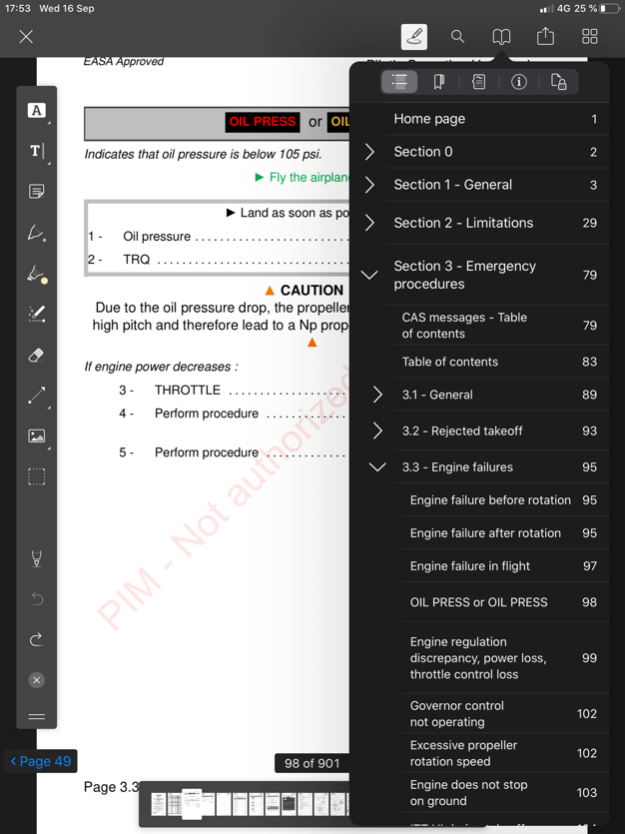
- Updated PDF viewer with enhanced editing tools for adding your comments and save it more easily
About MyTBM Docs
The company that develops MyTBM Docs is DAHER Aircraft, Inc.. The latest version released by its developer is 2.1.1.
To install MyTBM Docs on your iOS device, just click the green Continue To App button above to start the installation process. The app is listed on our website since 2020-10-07 and was downloaded 0 times. We have already checked if the download link is safe, however for your own protection we recommend that you scan the downloaded app with your antivirus. Your antivirus may detect the MyTBM Docs as malware if the download link is broken.
How to install MyTBM Docs on your iOS device:
- Click on the Continue To App button on our website. This will redirect you to the App Store.
- Once the MyTBM Docs is shown in the iTunes listing of your iOS device, you can start its download and installation. Tap on the GET button to the right of the app to start downloading it.
- If you are not logged-in the iOS appstore app, you'll be prompted for your your Apple ID and/or password.
- After MyTBM Docs is downloaded, you'll see an INSTALL button to the right. Tap on it to start the actual installation of the iOS app.
- Once installation is finished you can tap on the OPEN button to start it. Its icon will also be added to your device home screen.
Program Details
System requirements
Download information
Pricing
Version History
version 2.1.1
posted on 2020-10-07
Oct 7, 2020
Version 2.1.1
Enhancements in this new version include :
- Visual identity updated and more user-friendly interface,
- Improved navigation thanks to :
- a new Dashboard allowing direct access to your own customized library with new favorites lists and recently viewed files;
- reorganized contents with new sub-categories for a more intuitive navigation within the App.
- Enhanced search functionality increasing efficiency in finding information :
- Search capability now within the complete collection, from a category to another, and with your own words, not only by document’s titles;
- Result display organized by category
- New kind of contents added such as Passenger briefing cards or Service Information to meet the needs of both pilots and passengers
- Updated PDF viewer with enhanced editing tools for adding your comments and save it more easily
Disclaimer
Official App Store Link
We do not host MyTBM Docs on our servers. We did not scan it for viruses, adware, spyware or other type of malware. This app is hosted by Apple and passed their terms and conditions to be listed there. We recommend caution when installing it.
The App Store link for MyTBM Docs is provided to you by apps112.com without any warranties, representations or guarantees of any kind, so access it at your own risk.
If you have questions regarding this particular app contact the publisher directly. For questions about the functionalities of apps112.com contact us.
